

The Coval MCP Server enables AI assistants to interact with Coval’s evaluation APIs through the Model Context Protocol.Documentation Index
Fetch the complete documentation index at: https://docs.coval.dev/llms.txt
Use this file to discover all available pages before exploring further.
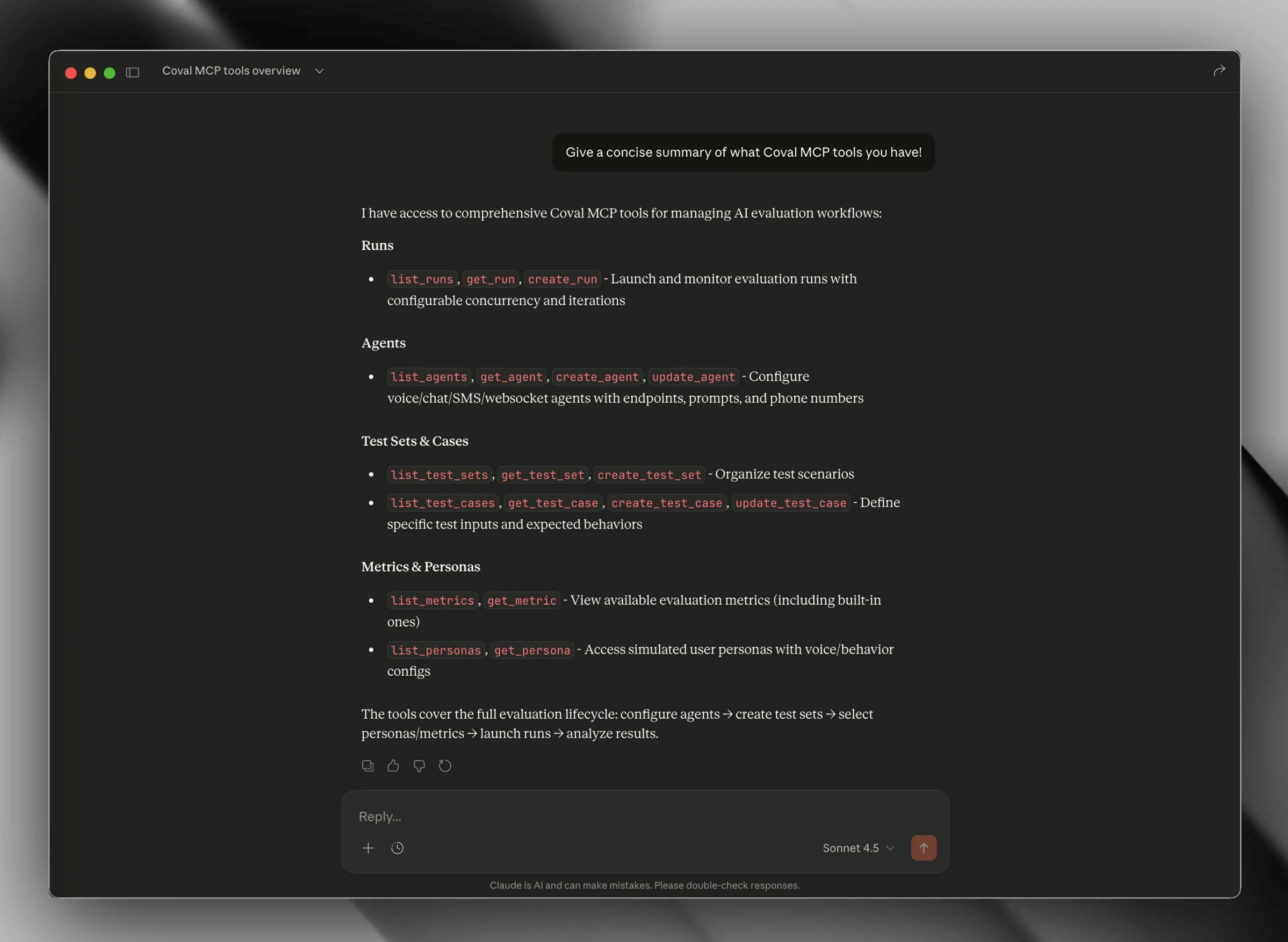
What You Can Do
With the MCP server, you can ask Claude or Cursor to:- Launch evaluations - “Run the billing test set against my support agent”
- Monitor runs - “What’s the status of my latest evaluation?”
- Manage agents - “Create a new voice agent for customer service”
- View metrics - “Show me the metrics for run abc123”
- Organize tests - “List my test sets and their configurations”
Quick Start
Get your API key
Go to Coval Dashboard and copy your API key.
Configure your MCP client
Add the Coval MCP server to your client’s config file:See Installation for config file locations per client and platform.
- Hosted (Recommended)
- Local (NPX)
Connects to Coval’s managed MCP endpoint. No local server to maintain.
Available Tools
The MCP server exposes 18 tools across 6 categories:| Category | Tools | Description |
|---|---|---|
| Runs | list_runs, get_run, create_run, delete_run | Launch and monitor evaluations |
| Agents | list_agents, get_agent, create_agent, update_agent | Manage agent configurations |
| Test Sets | list_test_sets, get_test_set, create_test_set | Organize test cases |
| Test Cases | list_test_cases, get_test_case, create_test_case, update_test_case | Manage individual test cases |
| Metrics | list_metrics, get_metric | View evaluation metrics |
| Personas | list_personas, get_persona | Configure simulated users |
Tools Reference
See complete parameter documentation for all tools
Example Usage
Once connected, you can ask Claude or Cursor things like:- “Show me my recent evaluation runs”
- “List all my agents”
- “Run an evaluation of my customer-support-agent against the billing-inquiries test set”
- “What are the metrics for run abc123?”
- “Create a new test set for voice agent scenarios”
Requirements
- Node.js 20+
- Coval API key
- MCP-compatible client (Claude Desktop, Cursor, etc.)