Understanding Coval Monitoring
By pushing your post-call transcript to Coval (transcript-only or incl. audio), you can run all Metrics that you run for simulations, also for Observability. The goal is to not only test your agent pre-production but also to observe and evaluate how your agent behaves in production.Audio File Requirements
When uploading audio files for monitoring:- Stereo required: Audio must be stereo (2 channels). Mono audio is not supported.
- Channel mapping: Channel 0 (left) = Agent, Channel 1 (right) = User
Features specific to Monitoring:
- Default Metrics: Define your set of default metrics to run on all incoming transcripts
- Metric Rules: Add metrics conditionally based on results or metadata keys
- Add to Test Sets: Convert production issues into regression tests
- OpenTelemetry Traces: Send trace data from your agent alongside conversation submissions for detailed performance analysis — via the API, the OpenTelemetry SDK, or directly from the Upload to Monitoring dialog
You can re-run metrics for up to 100 calls at a time if you change metric formulations.
Alerts
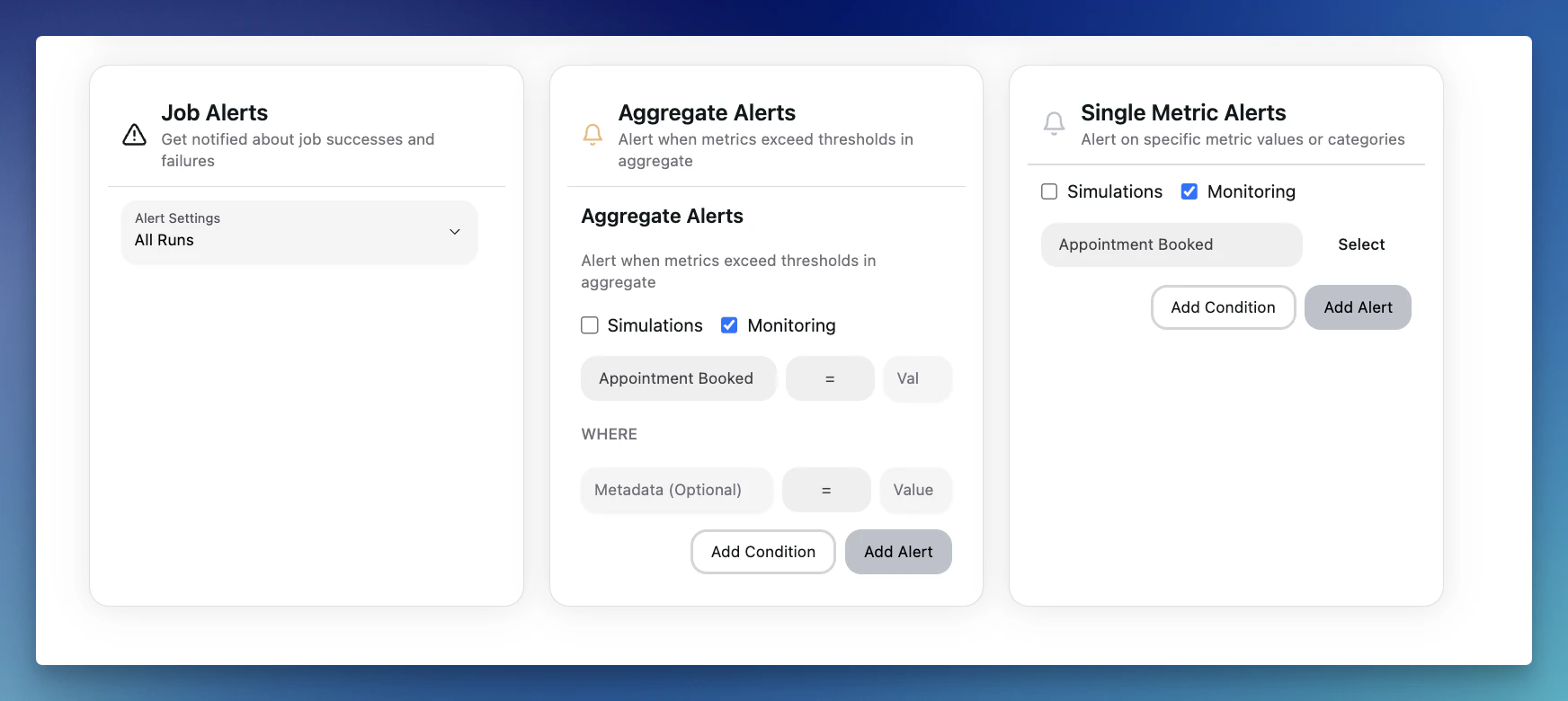
Set up custom alerts to be notified of performance issues, goal discrepancies, or any anomalies in real-time. This allows for proactive issue resolution and ensures smooth operations as your agents scale. Alerts can be set for both simulations and monitoring.