Documentation Index
Fetch the complete documentation index at: https://docs.coval.dev/llms.txt
Use this file to discover all available pages before exploring further.
Understanding Coval Conversations
By pushing your post-call transcript to Coval (transcript-only or incl. audio), you can run all Metrics that you run for simulations, also for Observability. The goal is to not only test your agent pre-production but also to observe and evaluate how your agent behaves in production.Audio File Requirements
When uploading audio files to conversations:- Stereo (recommended): Channel 0 (left) = Agent, Channel 1 (right) = User. Roles are assigned deterministically from channel position.
- Mono: Also supported. Speaker roles are inferred from transcript content via an LLM, so mapping is typically accurate but less reliable than stereo channel-based mapping.
Features specific to Conversations:
- Default Metrics: Define your set of default metrics to run on all incoming transcripts
- Metric Rules: Add metrics conditionally based on results or metadata keys
- Add to Test Sets: Convert production issues into regression tests
- OpenTelemetry Traces: Send trace data from your agent alongside conversation submissions for detailed performance analysis — via the API, the OpenTelemetry SDK, or directly from the Upload to Conversations dialog
Rerunning Metrics on Historical Calls
If you change a metric formulation or add a new metric, you can retroactively apply it to historical conversations without re-ingesting transcripts. How to rerun metrics from the conversations table:- Open the Conversations page.
- Click Select Rows along the top menu bar under Conversations and use the checkboxes on the left to select one or more calls.
- Click the Rerun Metrics button in the action bar.
- In the modal, select the metrics you want to run, then confirm. You’ll see a toast confirming the launch.
Limits:
- You can rerun metrics on up to 500 calls per batch. If you select more than 500, the button shows a count and displays a toast asking you to reduce the selection.
- Only calls with an existing evaluation output are eligible. Calls without one are automatically filtered out.
Rerunning metrics does not re-ingest or re-simulate the call. It re-evaluates the existing transcript and outputs against the selected metrics. Depending on the number of calls and metrics selected, this may take a few moments to complete.
Alerts
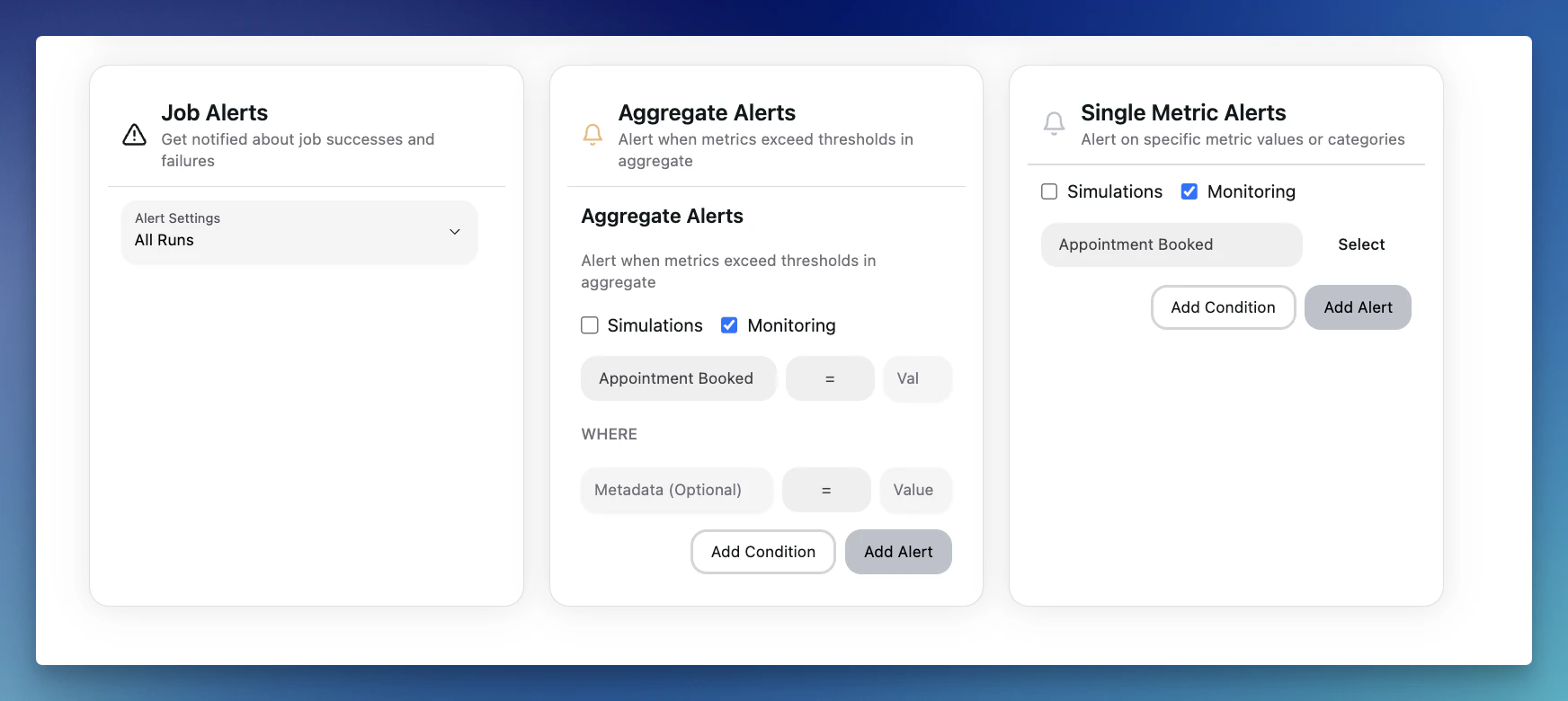
Set up custom alerts to be notified of performance issues, goal discrepancies, or any anomalies in real-time. This allows for proactive issue resolution and ensures smooth operations as your agents scale. Alerts can be set for both simulations and conversations.