

Documentation Index
Fetch the complete documentation index at: https://docs.coval.dev/llms.txt
Use this file to discover all available pages before exploring further.
Overview
The SMS Simulator enables you to test and evaluate SMS-based AI agents by conducting automated text message conversations. It simulates a real customer interacting with your SMS agent, sending messages and receiving responses just as an actual user would.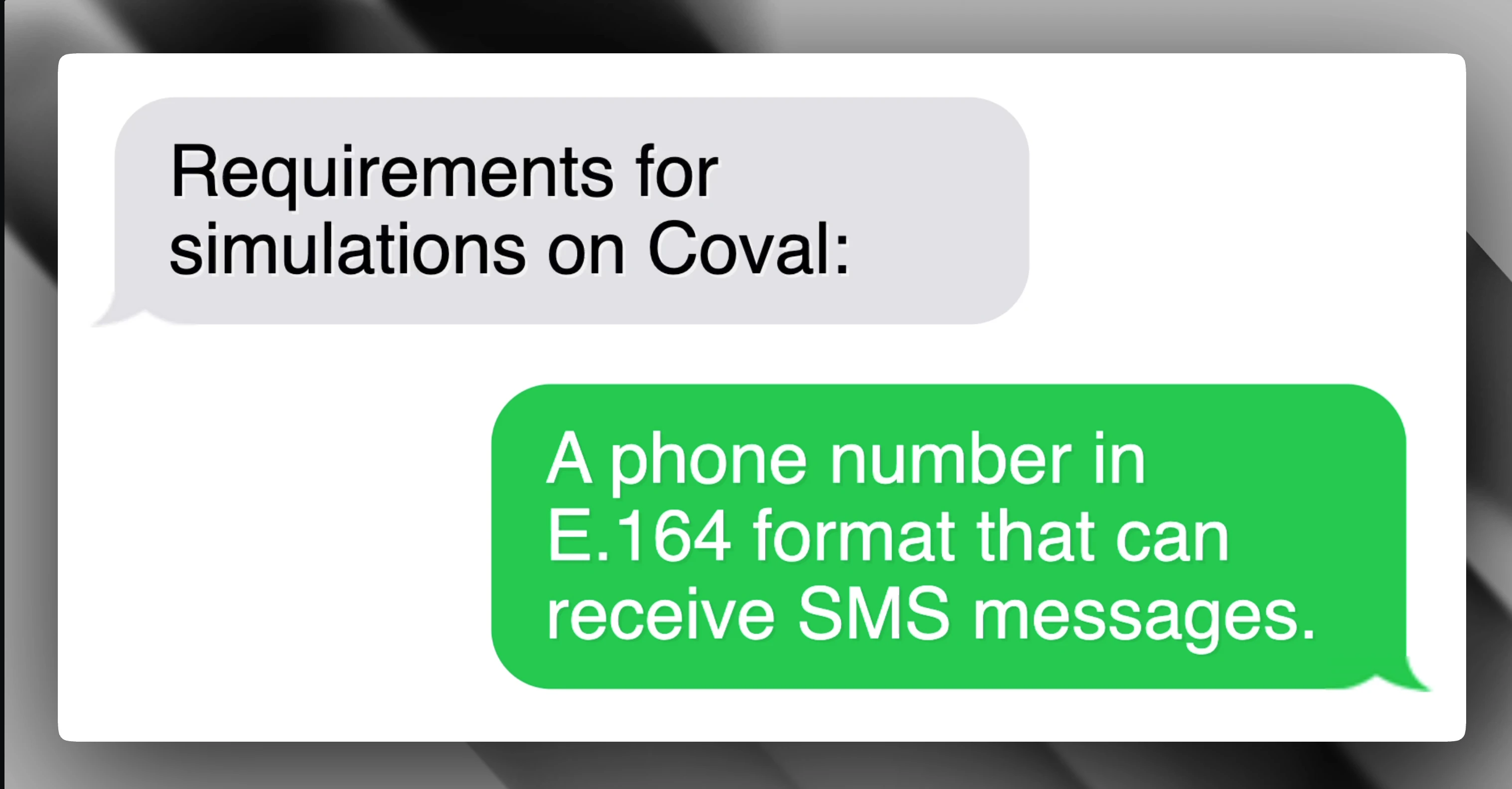
How It Works
- Test Case Delivery: Each test case from your test set is sent as an SMS message to your configured phone number
- Agent Response: Your SMS agent receives the message and responds
- Conversation Flow: The simulator continues the conversation naturally, responding to your agent’s messages as a realistic customer would
- Completion: The conversation ends when the test scenario objective is achieved, the conversation reaches a natural conclusion, or the maximum simulation time (15 minutes) is reached
- Evaluation: The complete message exchange is captured and evaluated against your configured metrics
Setup
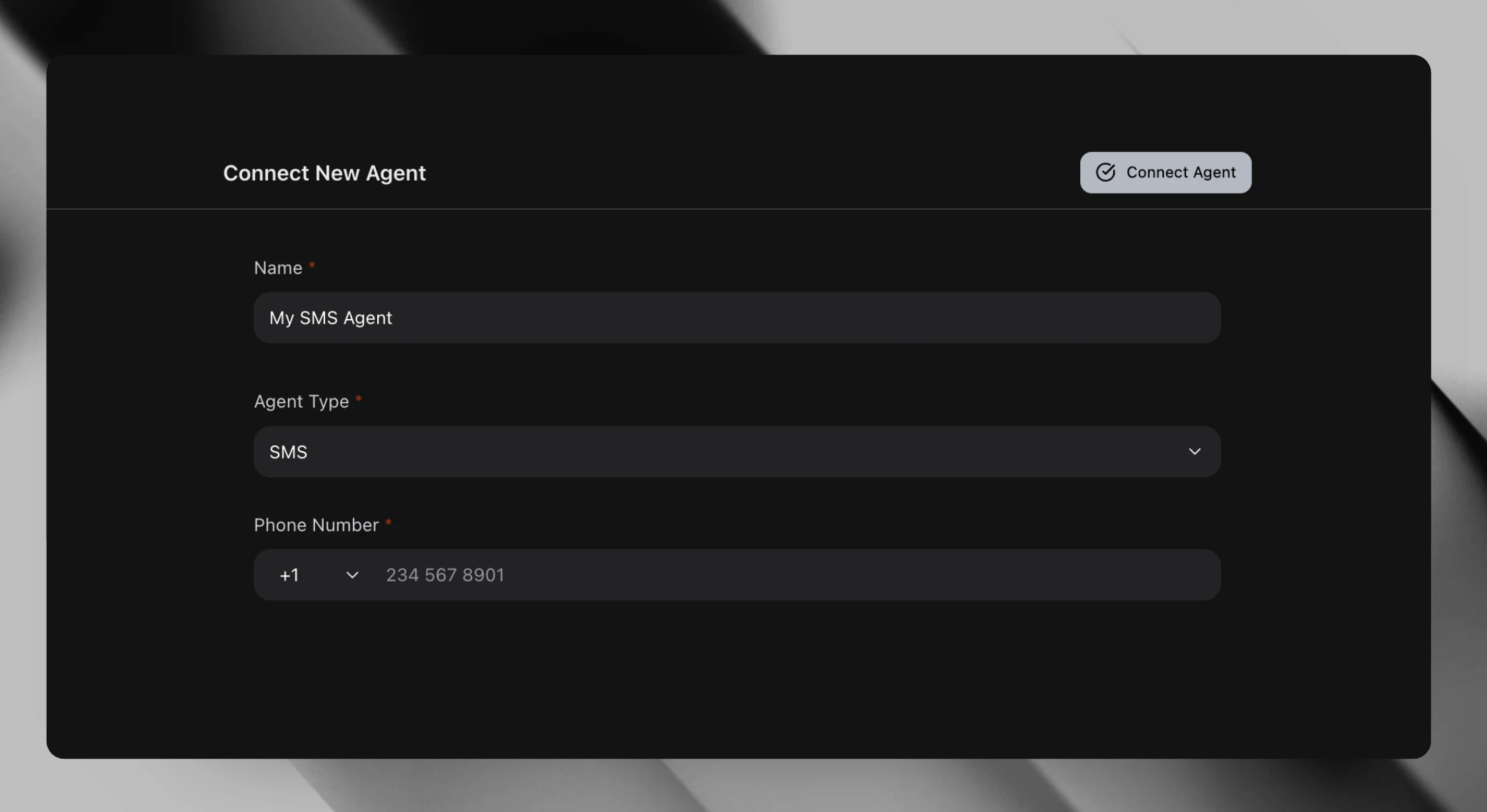
1. Create an SMS Agent
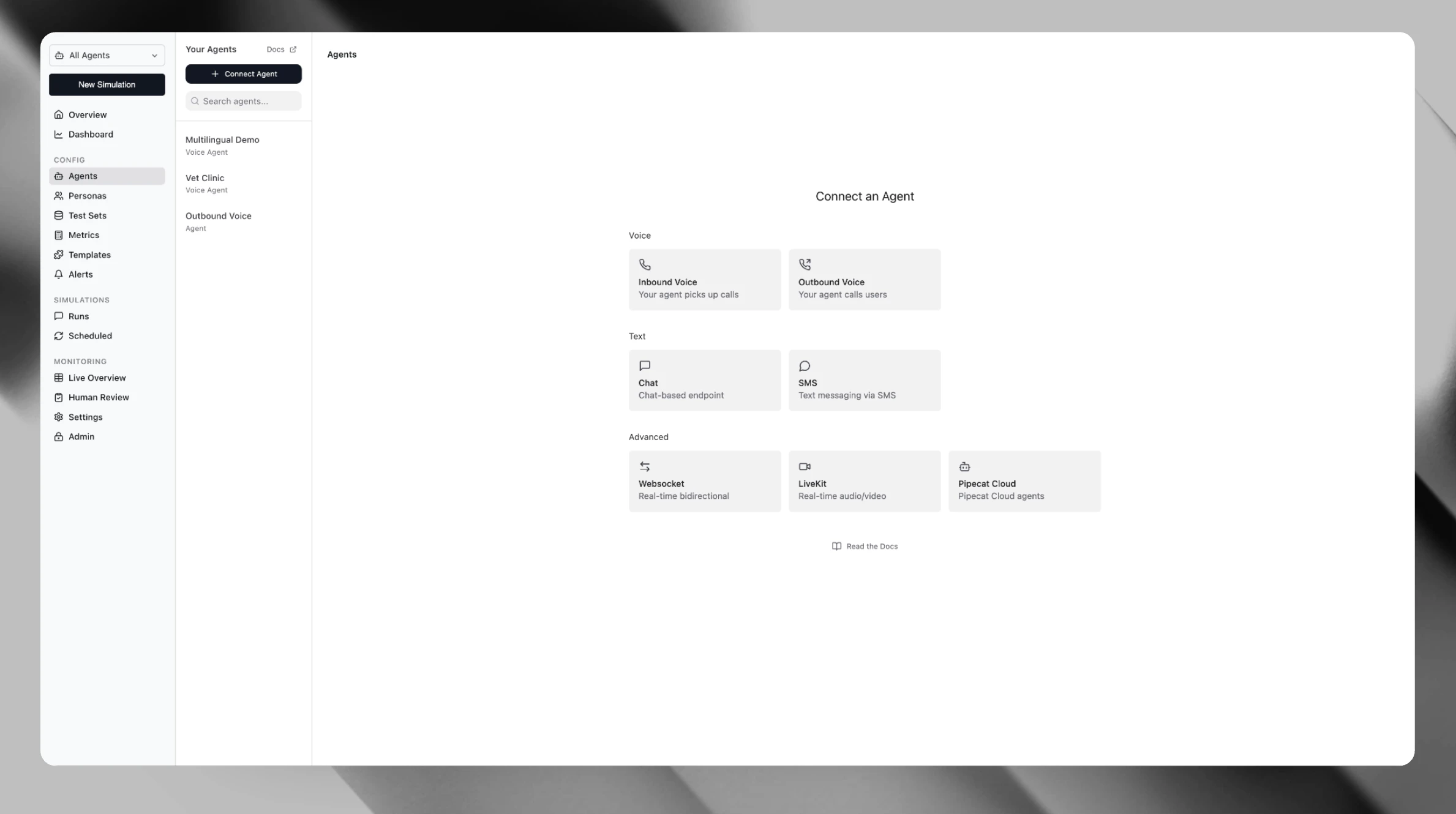
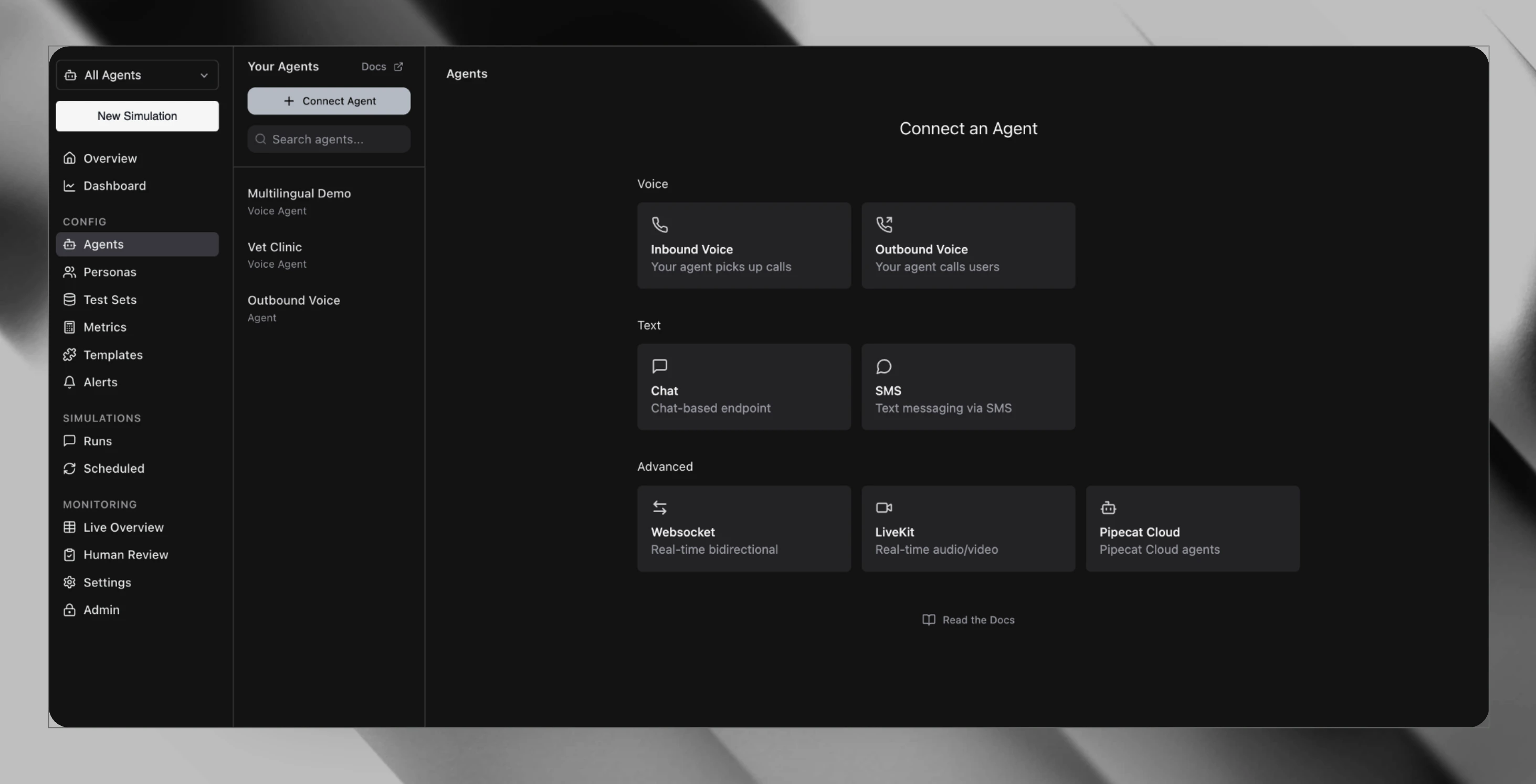
- Navigate to Agents in your dashboard
- Click Create Agent
- Under the Text section, select SMS
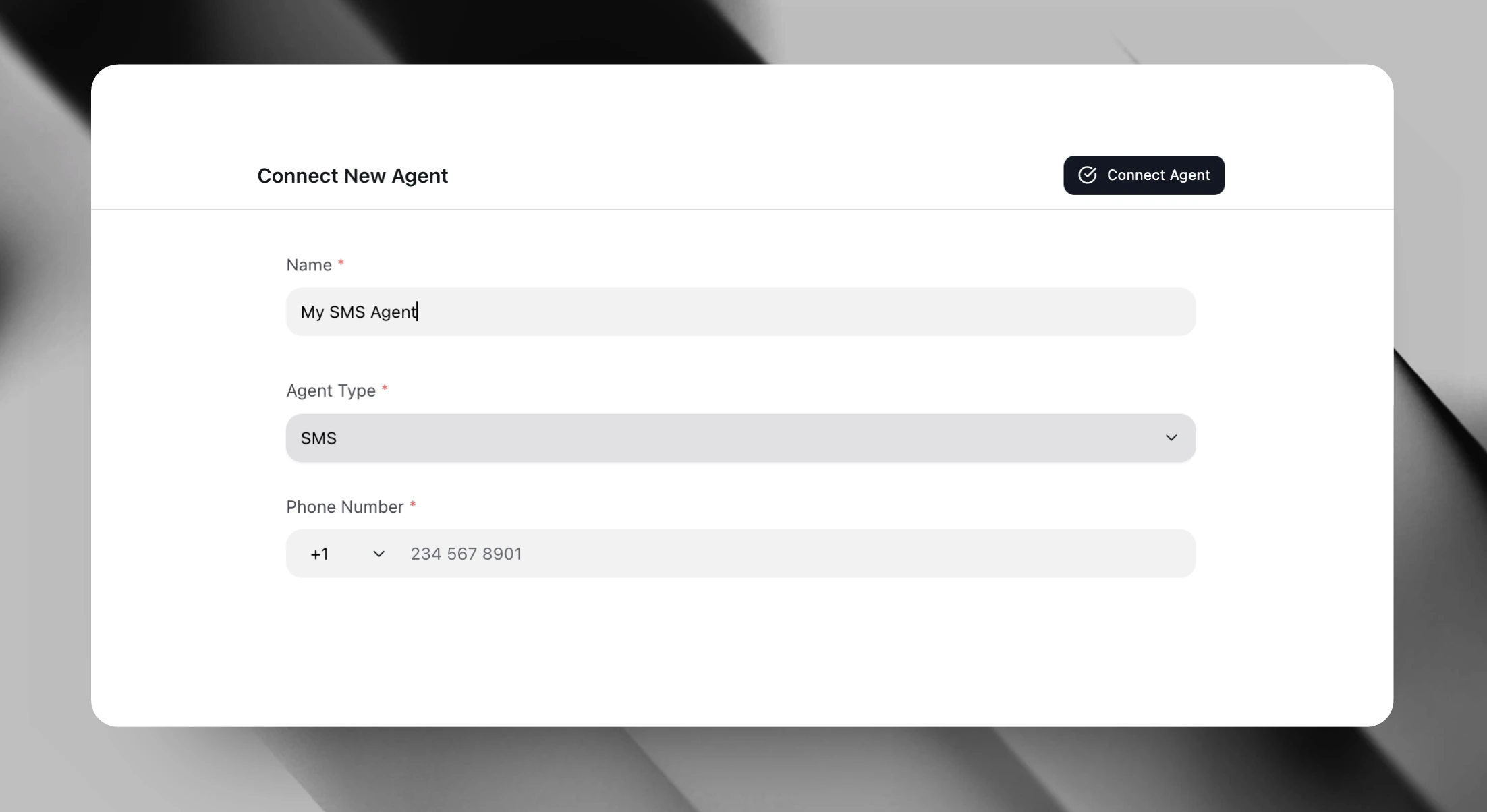
- Enter a Display Name for your agent (e.g., “Customer Support SMS Bot”)
- Enter your agent’s Phone Number in E.164 format:
- Format:
+[country code][number] - Example:
+14155551234(US number) - Example:
+442071234567(UK number)
- Format:
2. Configure Your Agent (Optional)
You can add additional configuration:- System Prompt: Context that will not affect the simulation but allows better context for generating test sets, workflows, and metrics for this agent
- Attributes: Custom metadata tags for organizing your agents
3. Run an Evaluation
- Go to Evaluations and click New Evaluation
- Select your SMS agent
- Choose a Test Set containing the conversations you want to simulate
- Select Metrics to evaluate (e.g., response quality, task completion)
- Configure run settings:
- Iterations: Number of times to run each test case (default: 10)
- Concurrency: Parallel simulations (default: 5)
- Click Launch
Key Features
- SMS-Optimized: Responses are kept short and concise to reflect real SMS communication patterns
- Full Transcripts: Every message is captured with timestamps for detailed analysis
Metrics Compatibility
SMS simulations generate text transcripts that are compatible with all standard text-based metrics, including:- Response accuracy
- Conversation completion rate
- Goal achievement
- Custom LLM-judged metrics
Best Practices
- Phone Number Format: Always use E.164 format for phone numbers (e.g.,
+1followed by 10 digits for US numbers) - Use Test Numbers: Use a test/staging number rather than production during initial testing
- Start with Low Concurrency: Begin with low concurrency to avoid rate limiting on your SMS provider
- Design Realistic Scenarios: Include varied test cases that cover different user intents and edge cases
- Keep Messages Concise: Your agent’s responses should be brief—SMS has character limitations and customers expect short messages
- Response Time: Your agent should respond within a reasonable timeframe for accurate simulation flow
Limitations
- Maximum simulation duration: 15 minutes per conversation
- Agent must be accessible via standard SMS messaging